
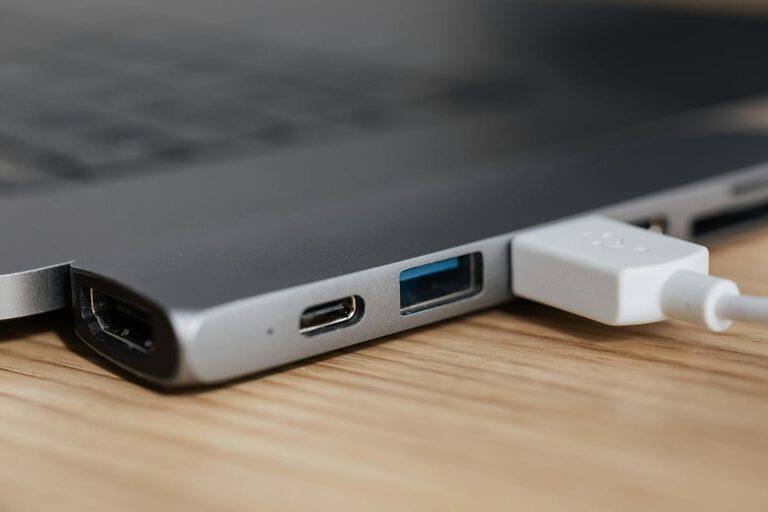
Setting up a dedicated charging station for your devices is a great way to keep your home organized and ensure your gadgets are always ready to use. Whether you have smartphones, tablets, smartwatches, or wireless earbuds, a well-planned charging area saves time, reduces clutter, and protects your devices from damage.
In this guide, we’ll walk you through the steps to create an efficient, tidy charging station right in your home.
Why Set Up a Charging Station?
Before diving into the setup, it’s helpful to understand the benefits:
– Organization: Keeps all devices in one place instead of scattered around the house.
– Efficiency: Lets you charge multiple devices simultaneously.
– Safety: Reduces tangled cords and minimizes the risk of damage or tripping hazards.
– Aesthetics: Creates a clean, visually appealing spot without unsightly cables.
Step 1: Choose the Ideal Location
Selecting the right spot is key for convenience and safety.
Consider traffic and accessibility
Aim for a location that you and other household members access regularly, such as near a desk, living room console, or kitchen counter.
Power source availability
You’ll need a spot close to an electrical outlet. If outlets are limited, a power strip with surge protection can provide several plugs while safeguarding your devices.
Ventilation and surface
Charging generates some heat, so a well-ventilated area avoids overheating. Use a stable surface that can handle the equipment.
Step 2: Gather Necessary Supplies
Collecting the right tools makes setup easier.
– Power strip or multi-port USB charger: Depending on how many devices you want to charge, select a power source with enough USB and plug ports.
– Charging cables: Use appropriate, high-quality cables for each device.
– Cable organizers or clips: Prevent tangling and keep cables orderly.
– Dock or stand (optional): These help hold devices upright and neat.
– Small container or tray: To hold smaller items like earbuds or adapters.
Step 3: Plan Your Layout
Before plugging everything in, decide where each device will sit.
– Arrange devices so cords don’t cross excessively.
– Position frequently used devices in easy-to-reach spots.
– Consider label tags or color-coded cables to quickly identify which charger belongs to which device.
Step 4: Set Up Power and Charging Devices
Use a surge protector
If you’re plugging many devices in one spot, a surge protector prevents damage from power spikes.
Connect multi-port chargers
These chargers offer multiple USB ports and can eliminate the need for several individual adapters. This keeps the power strip less crowded.
Arrange cables neatly
Use cable clips or zip ties to bundle and secure wires. Velcro wraps are reusable and good for cable management.
Test connections
Plug in all devices and check for charging indicators. Adjust layout if cords are pulling or too tight.
Step 5: Maintain Your Charging Station
Keeping your station tidy and functional requires occasional care.
– Clean regularly to remove dust.
– Inspect cables for wear and replace if damaged.
– Update charging equipment as needed for new devices.
– Avoid overloading outlets to prevent electrical hazards.
Bonus Tips for a Smart Charging Station
– Wireless chargers: Consider adding wireless charging pads for compatible gadgets to reduce cable clutter.
– Label outlets or cables to avoid confusion in multi-user households.
– Use furniture with built-in charging such as desks or side tables that include power outlets or USB ports.
– Portable charging station: If you need flexibility, build a foldable or movable station.
Conclusion
Setting up a charging station is a practical, simple project that benefits everyone in the home. With a bit of planning, the right tools, and ongoing maintenance, you can enjoy a clutter-free space where all your devices stay powered up and ready. Try a charging station in your favorite room and experience the convenience it brings!
—
This organized approach saves time, protects your electronics, and helps your home look neat. Happy charging!